
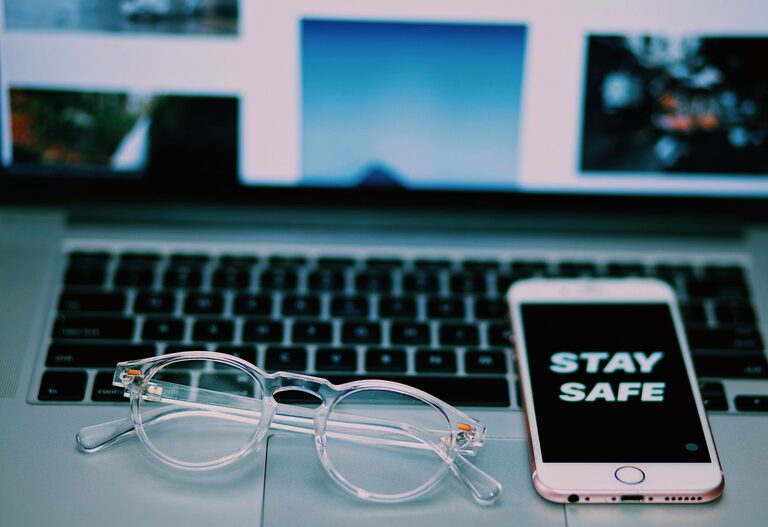
Keeping your phone and keyboard clean is essential not only for maintaining their appearance but also for your health. These devices can harbour dust, grime, and germs, which can affect their performance and potentially spread bacteria. However, cleaning them improperly can cause damage. In this guide, we’ll walk you through safe and effective methods to clean your phone and keyboard without risking harm.
Why Cleaning Your Devices Matters
Phones and keyboards are high-touch surfaces used daily. Studies have shown that keyboards and phone screens can carry more bacteria than many other objects, so regular cleaning is crucial. Keeping them clean extends their lifespan and ensures they continue to work smoothly.
Preparing to Clean Your Devices
Before you start, follow these simple steps:
- **Turn off your device.** Power down your phone or unplug your keyboard to prevent accidental commands or damage.
- **Disconnect accessories.** Remove any cables, cases, or covers.
- **Gather cleaning supplies.** Use soft, lint-free cloths, distilled water, isopropyl alcohol (70% or less), cotton swabs, and compressed air. Avoid harsh chemicals, bleach, or abrasive materials.
—
How to Clean Your Phone Safely
Phones have delicate screens and sensitive components, so cleaning requires care.
Materials Needed
– Microfibre cloth
– Distilled water
– Isopropyl alcohol (70% or less)
– Cotton swabs
– Soft brush (optional)
Step-by-Step Cleaning Process
- **Remove your phone case.** Clean the case separately using soap and water.
- **Dampen the cloth lightly.** Mix equal parts distilled water and isopropyl alcohol, then dampen the cloth (do not soak).
- **Wipe the screen gently.** Use the damp cloth to wipe your phone’s screen and back, avoiding excess moisture near openings.
- **Clean ports and buttons.** Use cotton swabs lightly moistened with the solution to clean around buttons, charging ports, and speakers.
- **Dry thoroughly.** Use a dry microfibre cloth to remove any remaining moisture.
- **Replace the case** once everything is completely dry.
Additional Tips
– Avoid spraying any liquid directly onto the phone.
– Do not use household cleaners like window sprays or wipes that contain bleach.
– Clean your phone regularly, especially during cold and flu season.
—
How to Clean Your Keyboard Safely
Keyboards can accumulate dust, food crumbs, and skin oils, which can interfere with key function.
Materials Needed
– Compressed air canister
– Soft brush or paintbrush
– Microfibre cloth
– Mild soap and water or isopropyl alcohol (70% or less)
– Cotton swabs
Step-by-Step Cleaning Process
- **Unplug the keyboard.** Always disconnect before cleaning.
- **Shake out debris.** Turn your keyboard upside down and gently shake or tap it to dislodge loose particles.
- **Use compressed air.** Blow out remaining dust and debris from between the keys.
- **Brush between keys.** Use a soft brush to sweep away stubborn dirt.
- **Clean key surfaces.** Dampen a cloth with water or a mild alcohol solution and wipe the keys gently.
- **Detail cleaning.** Using a cotton swab dipped in the cleaning solution, carefully clean around the edges of keys.
- **Dry completely.** Wipe with a dry cloth and leave the keyboard to air dry before reconnecting.
Additional Tips
– If your keyboard is waterproof, you may rinse parts carefully, but check the manufacturer’s instructions.
– Avoid letting liquids seep under the keys.
– Regularly clean to avoid buildup, especially if you eat near your keyboard.
—
General Device Cleaning Dos and Don’ts
| Do | Don’t |
| — | — |
| Use microfibre cloths for wiping | Use abrasive cloths or paper towels |
| Use diluted isopropyl alcohol | Use bleach or ammonia-based cleaners |
| Power off devices before cleaning | Spray liquids directly on devices |
| Clean regularly to prevent buildup | Oversaturate devices with fluids |
—
Conclusion
Regular cleaning of your phone and keyboard is a simple step to maintain their look, functionality, and your hygiene. Using gentle materials and following safe techniques prevents damage while keeping germs at bay. Make cleaning your devices part of your routine, and you’ll enjoy a cleaner, healthier workspace and daily tech experience.
—
Feel free to share these tips with friends and family to help keep everyone’s devices sparkling and safe!